
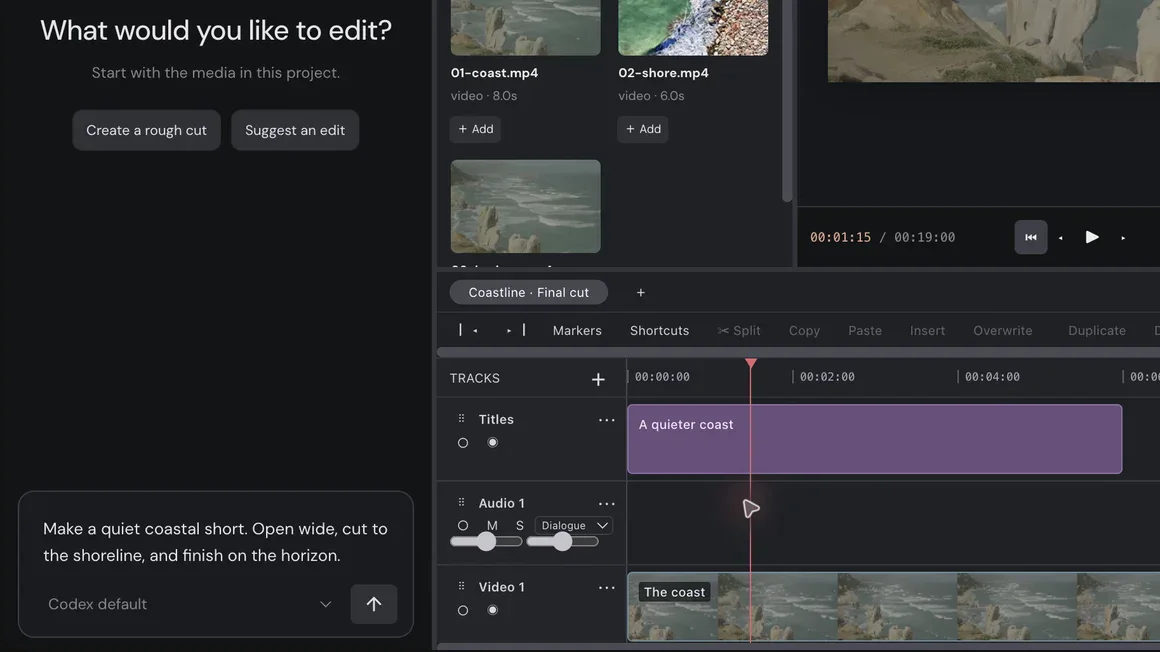
Ask for the edit.
Import your footage and describe the film you want. The assistant can build a first cut right on your timeline.
AI video editor for Mac
Tell the assistant what you want, then refine every cut on a timeline you control. From first cut to final export, on your Mac.
Or watch the 19-second sample film1 / 3Ask for the edit in plain words.
“Make a quiet coastal short. Open wide, cut to the shoreline, and finish on the horizon.”The assistant takes on the busywork. Every cut stays on a timeline you can change.
Import your footage and describe the film you want. The assistant can build a first cut right on your timeline.
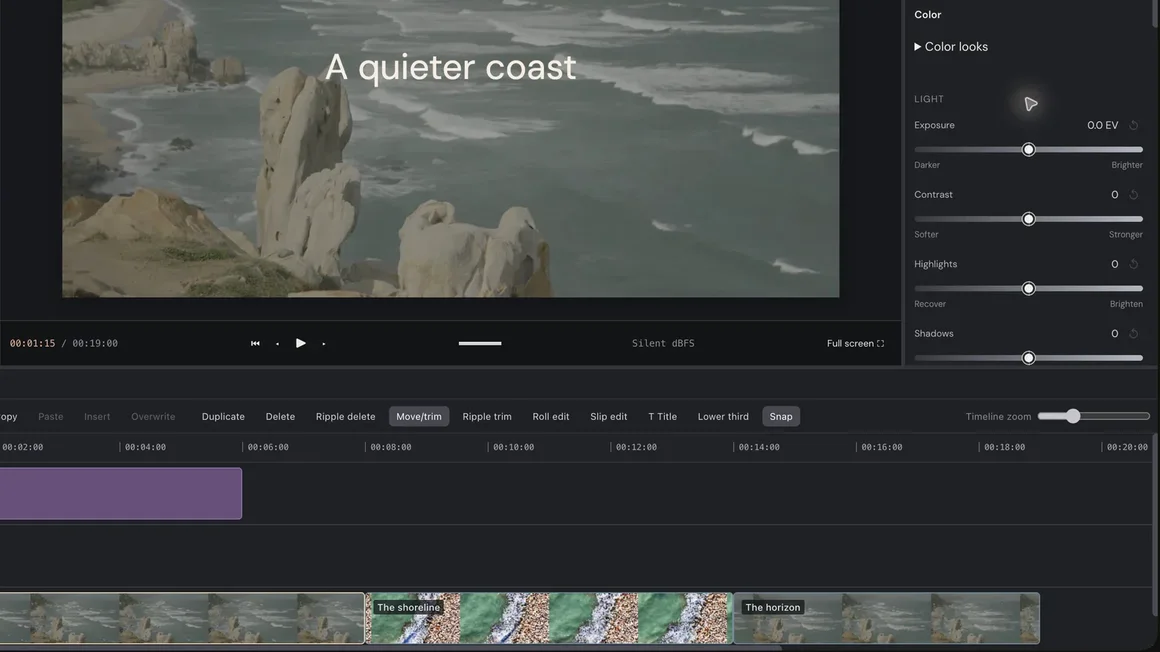
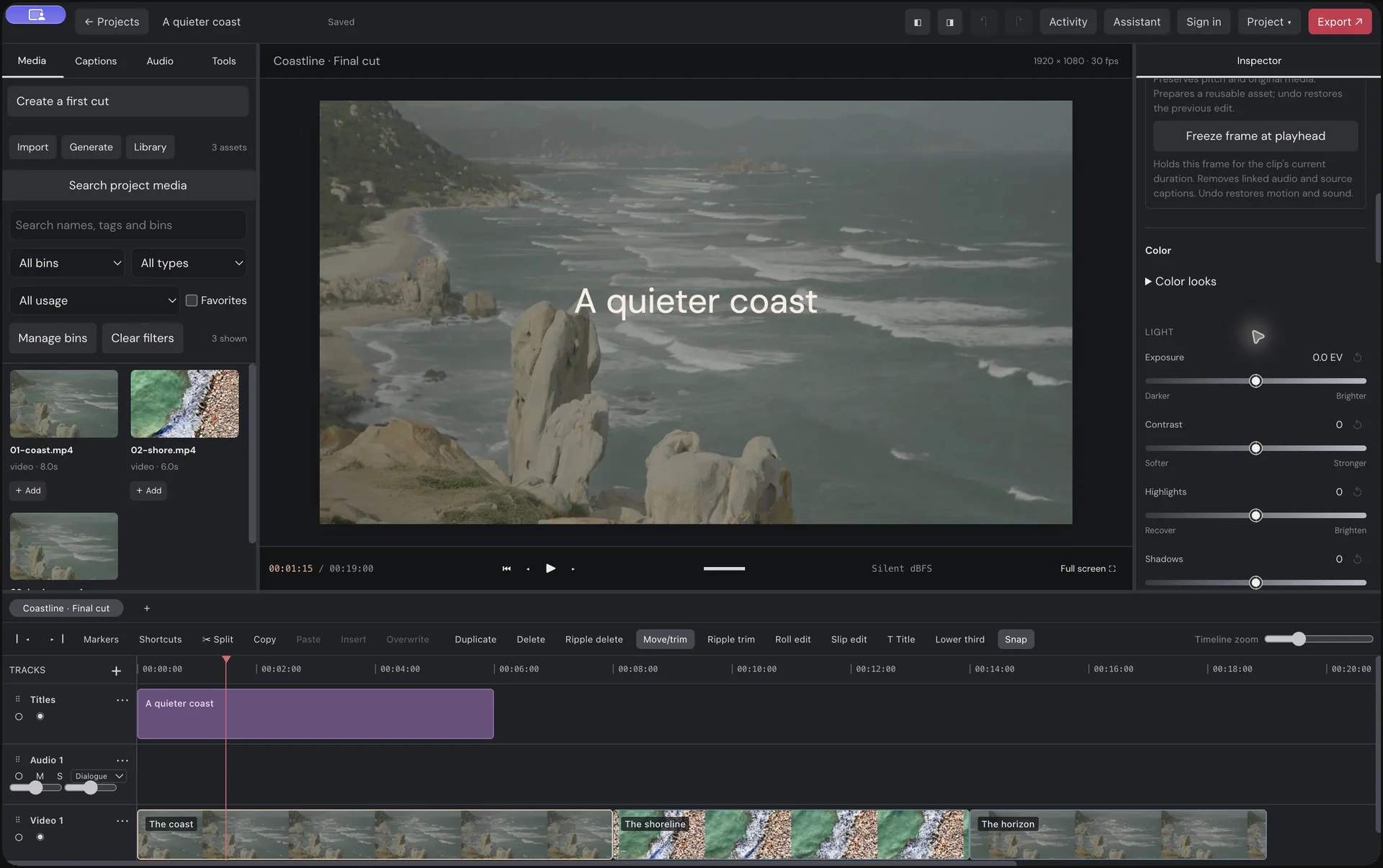
Trim, arrange, and grade by hand, or keep shaping it together. Manual and assistant edits share undo.
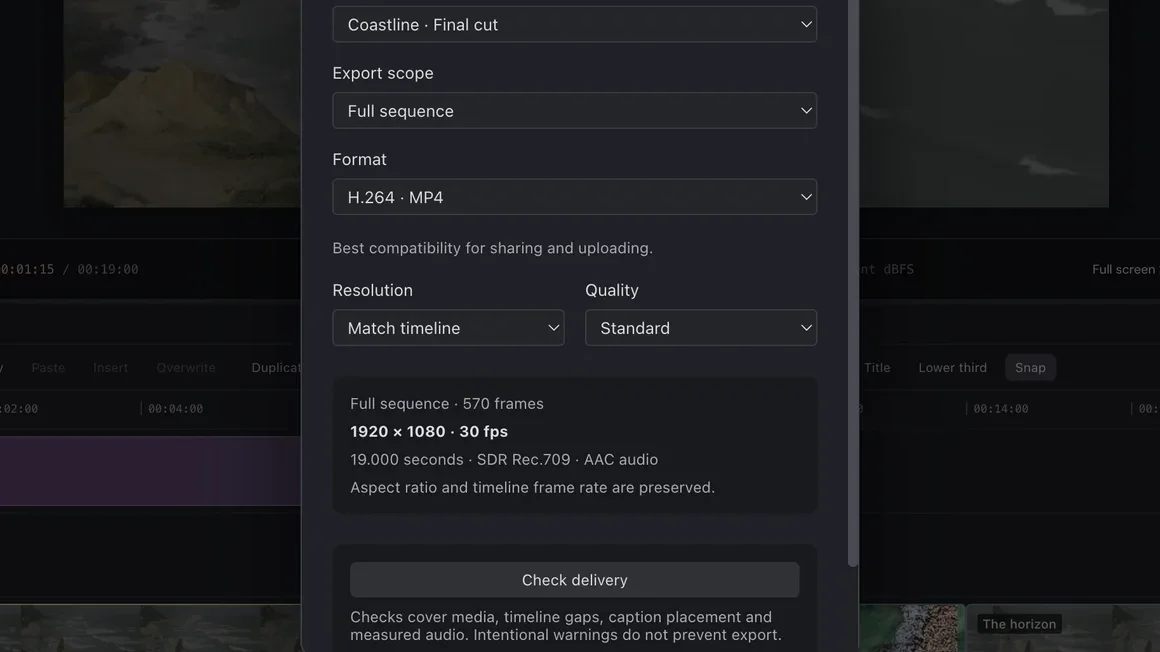
Add titles, captions, and sound. Export H.264, H.265, or ProRes with a delivery check first.
Your project files, timeline editing, and export live on your Mac. Connect to the cloud only when you want the assistant or generation.
Local editing & export Cloud assistant & generationA clear timeline, real color tools, and room to follow your eye.
Trim and arrange clips, layer titles, and refine the timing frame by frame.
Adjust exposure, color wheels, and curves. Carry your LUT through to export.
Save project workflows and use them again on your next edit.
A missing shot, a visual idea, a new sound. Generation tools are right there when your edit needs them.
Explore a new scene, then bring the footage into your edit.
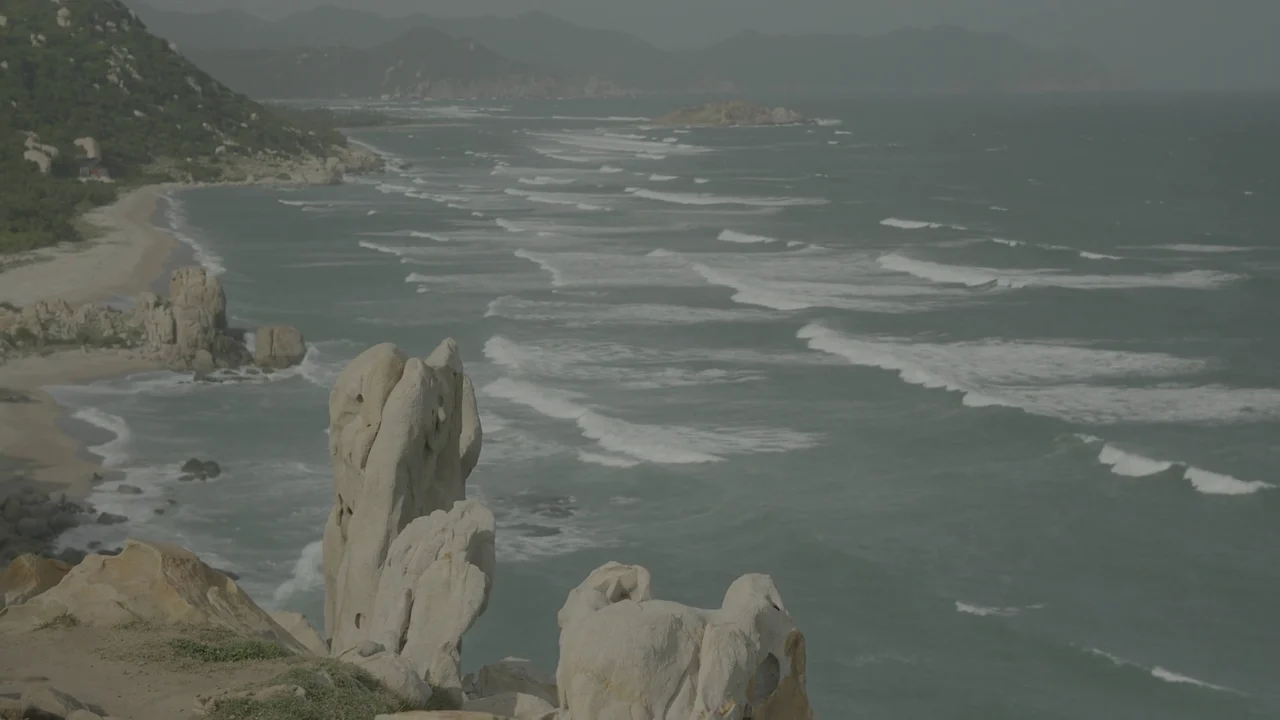
“A slow aerial move along a quiet rocky coast. Soft morning light, a steady horizon, natural motion.”
Local editing and export on every plan. Add generation credits when you need new media.
$0forever
$24/ month
$59/ month
Plans for the upcoming Mac release. Credit estimates assume each model’s maximum cost for a standard image or a 5 to 10 second video clip. Assistant usage through your own ChatGPT or Anthropic account is billed by them. Local files are unlimited. Cloud media is retained for up to 30 days. Monthly credits do not roll over. Taxes may apply.
Heis is a Mac video editor built around an AI editing assistant. Import footage, shape it on a timeline, refine the picture and sound, and export from the same project. Image, video, and audio generation are supporting tools for the edit.
Yes. You can work directly with the timeline and inspector. Local editing and export do not require a Heis subscription. When you want the assistant to help, connect your ChatGPT account through Codex or an Anthropic API key. That usage is billed by OpenAI or Anthropic.
The assistant can inspect imported media, build a first cut, work with selected clips, make timeline edits, and run saved project workflows. You can review and refine the result yourself. Manual and assistant edits share undo and redo.
Project files, timeline editing, and video export live on your Mac. Automatic captions run locally after the speech model is downloaded. The assistant and cloud generation require internet access. Heis generation requires a paid plan.
Heis exports H.264 or H.265 MP4 and ProRes MOV, with sequence, resolution, and quality choices. Exports preserve the timeline frame rate and aspect ratio. HDR and export to other editors’ timeline formats are not currently supported.
Local editing and export are free. Creator and Pro add monthly image, video, and audio generation credits. Costs vary by model, duration, and resolution, and each plan lists a conservative estimate based on maximum model cost. Credits expire at the end of each billing month, with no rollover or automatic overages. Assistant usage through your own ChatGPT or Anthropic account is separate.
The Mac download is coming soon. Join the waitlist and we will email you when it is ready. The editor shown here is a development preview, and the public release is being prepared for Apple silicon Macs. Exact macOS requirements and installer details will accompany the release.